Music Monogram Letter S SVG Cut File: Layered Design
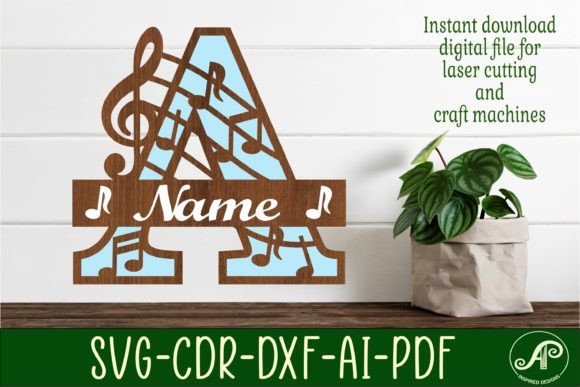
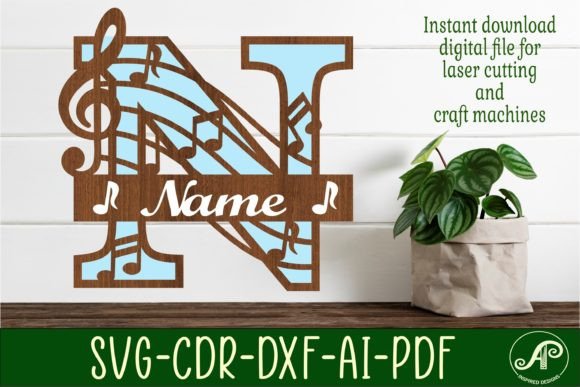
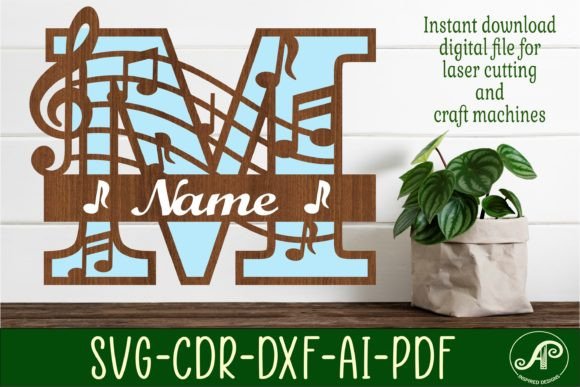
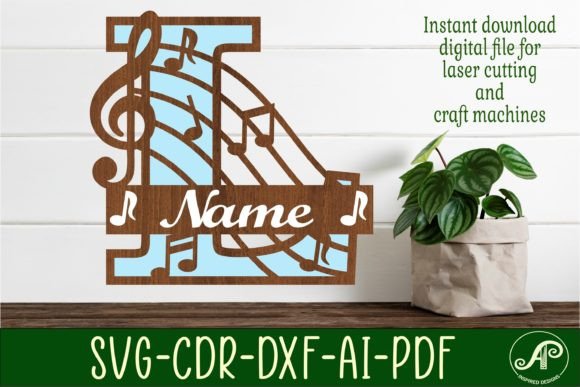
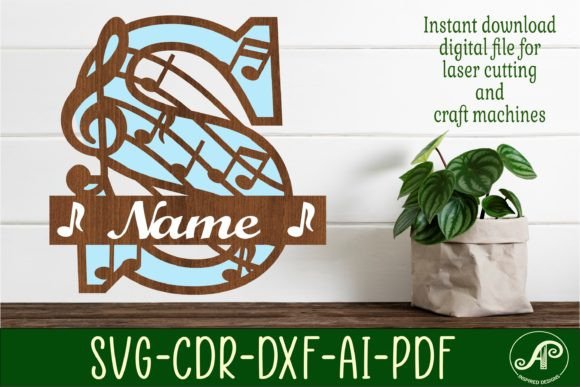
Discover a versatile design asset that brings a harmonious blend of music and personalized style to your projects. The Music Monogram Letter S SVG Cut File is a digital download featuring a single-letter monogram name sign, thoughtfully crafted for creators using laser machines, CNC routers, and other craft equipment. This design is built for depth and dimension, structured to be cut in three distinct layers: a sturdy backing, a detailed front cut-out, and a top layer for adding letters, a name, or decorative music notes. It’s a complete creative toolkit for making custom signs, décor, and personalized gifts.
This file package is designed with practicality and flexibility at its core. Upon purchase, you receive an instant download link to a zip folder containing your digital cut files. The design is provided in multiple industry-standard formats to ensure compatibility with your preferred software and machine. You’ll find SVG files (including one outline and one solid single layer), DXF, AI, CDR, and PDF versions. The exterior cut lines are conveniently formatted in blue for easy identification, and a separate file is included specifically for craft design elements, streamlining your workflow.
Creative Applications and Project Ideas
This monogram design shines in projects where music meets personalization. Imagine creating a beautiful wall hanging for a music room, a personalized gift for a musician or teacher, or custom décor for a wedding reception with a musical theme. The layered construction adds a professional, tactile quality that elevates the final product beyond a simple flat cut. Because the design is easily scalable, you can adjust it for anything from a small ornament to a large statement sign, making it a truly adaptable piece for your collection of design assets.
For designers and crafters, having a resource like this simplifies the process of producing high-quality, customized items. It eliminates the need to build complex multi-layer designs from scratch, saving valuable time and effort. The clear separation of layers—backing, detailed front, and top accent—allows for creative material and color choices. You could use contrasting wood stains, painted acrylics, or metallic finishes to make each layer pop, resulting in a final piece that looks polished and intentional.
Integrating Design Assets into Your Workflow
When working with digital cut files, a few best practices ensure a smooth experience. First, always verify the file formats are compatible with your specific machine and software, such as Cricut Design Space, Adobe Illustrator, or CorelDRAW. Second, consider the material you plan to use; the design’s details should be suitable for the thickness and properties of your wood, acrylic, or cardstock. Testing a small section of the cut on a scrap piece can save material and prevent errors.
While this particular file is a graphic design asset rather than a traditional typeface, its use principles are similar to selecting a premium font or display font for a project. You would match its style—here, a fusion of musical motifs and classic monogramming—to the mood of your creation. For a cohesive brand identity or packaging design, you might pair the monogram with a clean sans serif font or an elegant script font for accompanying text. The goal is to create visual harmony, where the lettering style of the monogram complements other typography and design elements.
Ultimately, investing in well-crafted design resources like this SVG cut file empowers you to produce work with greater consistency and professionalism. It provides a reliable foundation for your creativity, allowing you to focus on the finishing touches that make each project unique. Whether for personal enjoyment, client work, or merchandise, having a library of versatile assets helps streamline production and enhance the visual appeal of everything you create.